Overwhelmed By Notion? Here’s 10 Beginner Tips To Start Using It Today
Notion looks like that all‑you‑can‑eat buffet that’s as likely to leave you with a food coma as it is to satisfy your cravings. The blank page stares back, the possibilities seem infinite, and suddenly you’re questioning your life choices.
Relax, you’re not alone. Even power users admit there’s a learning curve. The trick is to start intentionally and build slowly so you don’t drown in features.
Let me show you how! ↓
1. Watch the Intro Tutorial and Prioritize What Matters
The first step is counterintuitive in our binge‑watch era: take the Essentials Path course once, then stop. Notion’s own onboarding gives you a taste of core concepts, and that’s enough to decide which features actually matter for you. After that, make a short list of functions you want to learn — databases? basic task lists? — and tackle them in order within the Notion reference docs instead of trying to master every block at once. This keeps your learning focused rather than scattered.
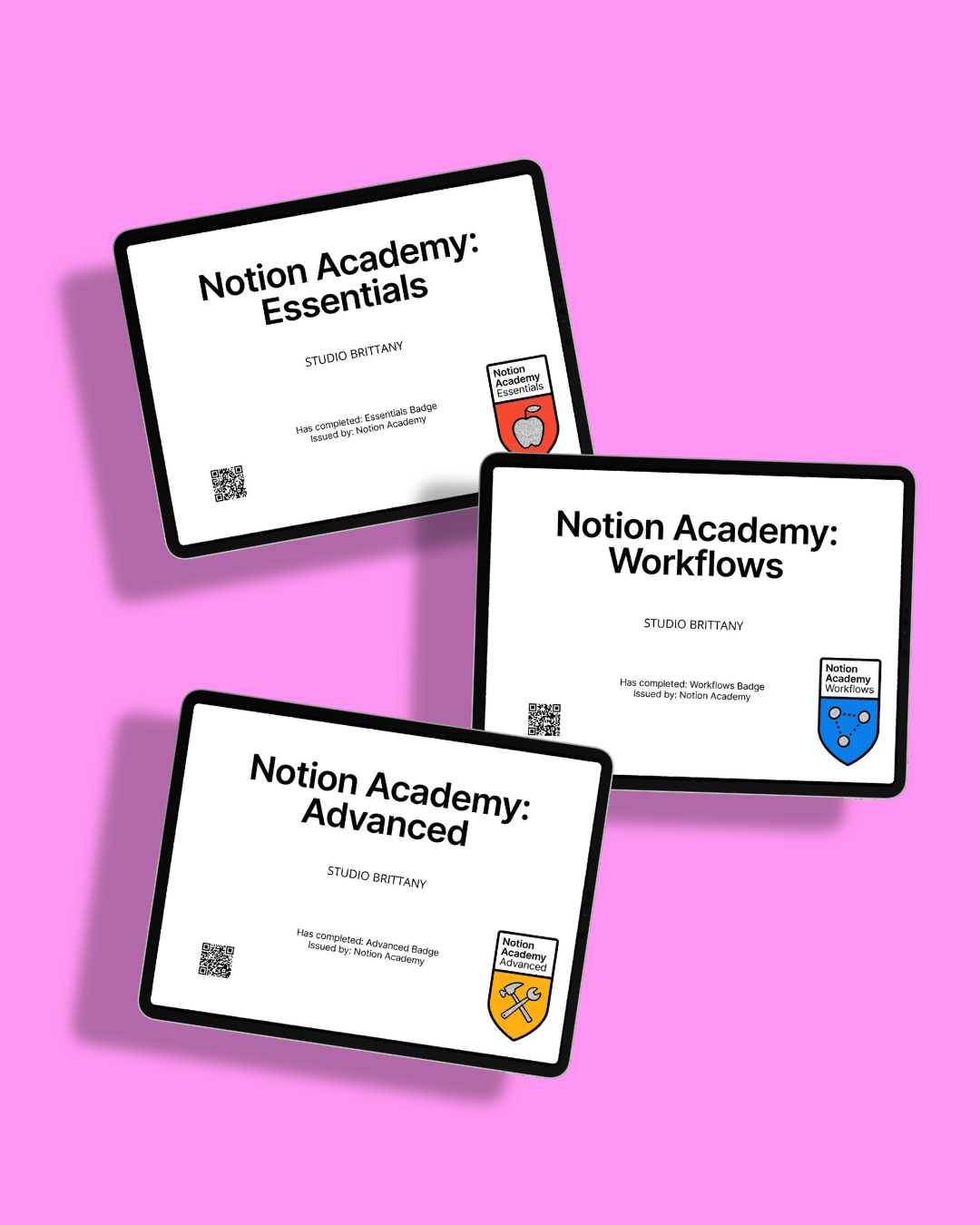
Didja Know?
Brittany is a certified notion expert, having taken the three notion academy courses and acing the exams.
If you’ve got a notion conundrum on your hands, you know where to find her (probably with her cat).
2. Think in Blocks (Because Everything Is)
Notion isn’t a monolithic “document”; it’s Lego for adults. Every line of text, heading or bullet is a block you can drag, drop and re‑order. Mastering this mental model makes it feel less like programming and more like play.
Hover to the left of a block, grab the dots and move it where you need; click those dots to access options like turning text into a heading or toggling a list. Once you understand that you’re just rearranging building blocks, the app stops feeling like a foreign language.
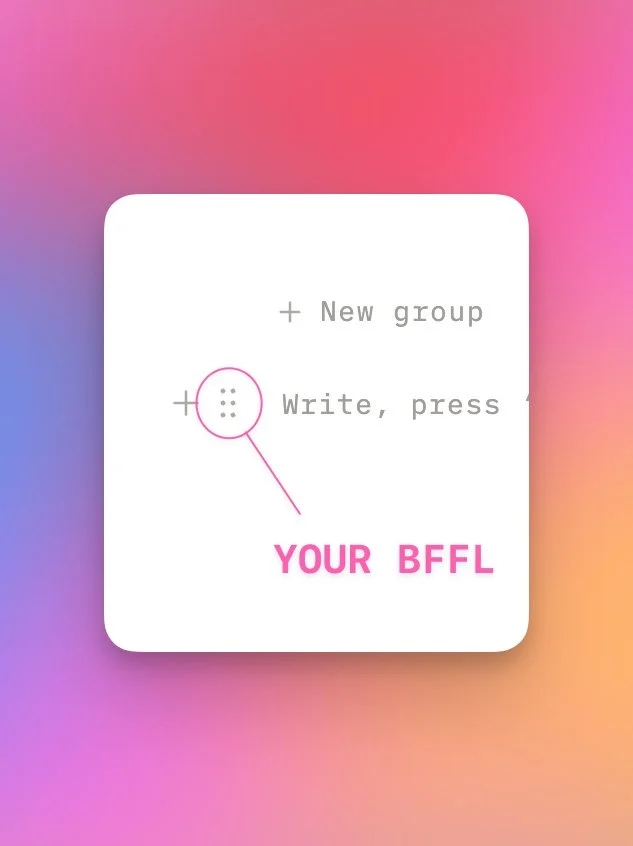
This Feature Is Your BFFL
See those six dots? That is the most essential feature of Notion.
Drag it, drop it, click it, tap it, it has every direction you might need to go tucked inside of it, give it a try!
3. Start With a Brain Dump, Not a Complex Template
Resist the temptation to pull in a complicated template from day one; that’s a fast track to overwhelm. Open a blank page, hit the dash key to start a bullet list and brain‑dump everything you want to capture.
Think of it as scribbling on a whiteboard. Once your ideas are on the page, you can start grouping related items, turning lists into tables or adding relations as needed. A simple brain dump evolves into a functional setup organically.
4. Use Templates Wisely
Templates are powerful when used as scaffolding, not shackles. Notion has a library of official templates for daily planners, habit trackers and more. Use them to avoid reinventing the wheel, but don’t feel pressured to stick to someone else’s aesthetic.
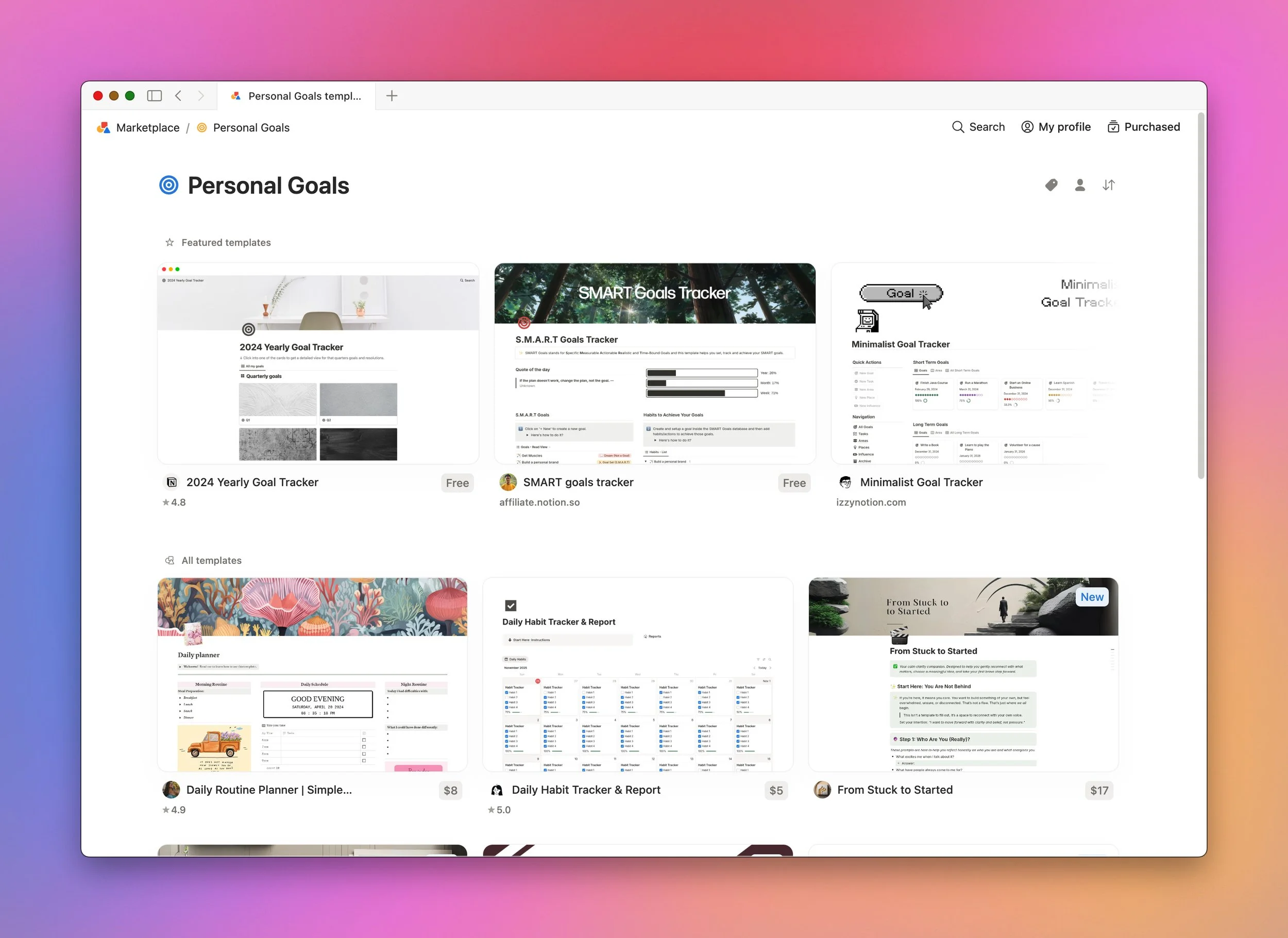
Several experienced users recommend starting with easy templates and adapting them to your workflow. If a template feels bloated, strip away anything you don’t need.
5. Prioritize Function Over Aesthetics At First
It’s tempting to spend hours picking perfect icons and cover images. Don’t. Not until you’ve grasped Notion for productivity purposes. The consensus among Redditors is that you should focus on making your Notion workspace functional before you worry about how pretty it looks.
As you gain confidence, you can experiment with color coding or emojis to make sections stand out, but let that be the cherry on top, not the cake itself.
6. Build a Home Page and Simple Task Manager
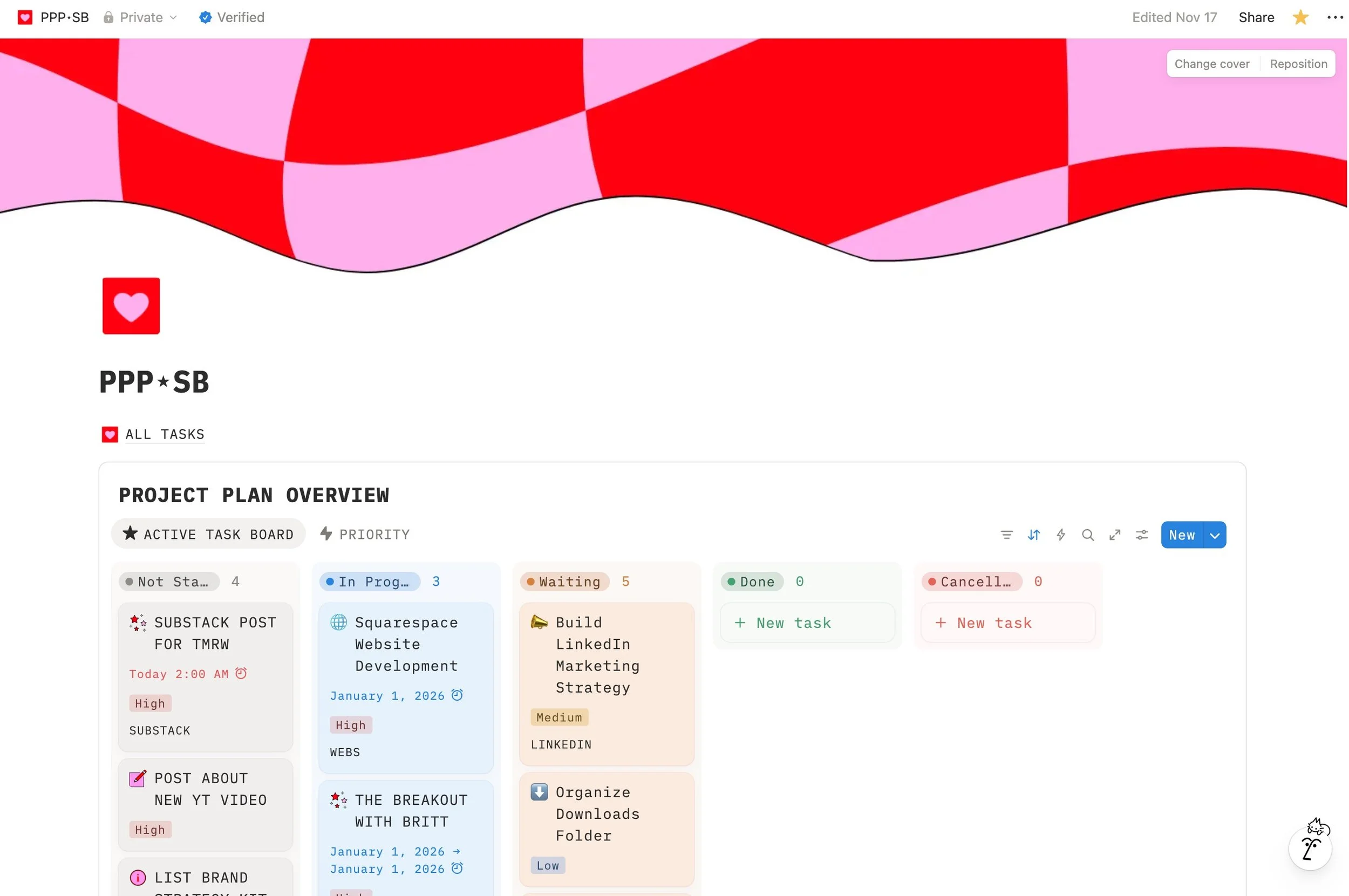
A simple “Home” page with links to your key areas — work, personal, content ideas — keeps you oriented. From there, set up a basic task manager with just a few columns or statuses (e.g., To‑Do, Doing, Done). Don’t overcomplicate it; your first Kanban board should have as few moving parts as possible. As you get comfortable, you can add a “second brain” page for ideas or research snippets. Here’s my kanban project board!
7. Learn by Doing — One Feature at a Time
Make a list of areas in your life that you want to organize — maybe content planning, household chores or travel plans, and work on incorporating one area at a time. Each micro‑project teaches you a new feature (like relations or formulas) without forcing you to swallow the whole platform at once. Think of Notion as a craft project: you’ll assemble new components over time.
PIN THIS FOR LATER!
Pin this image to one of your boards to come back to this blog post later (it also helps us so much with SEO).
8. Tap into the Community and Tutorials
You don’t have to figure it out alone. The Notion community is active and supportive; there are countless threads where people share setups and answer questions. Wesley Anna’s YouTube tutorial went viral because there are a million other users out there who are overwhelmed just like you! Her walkthrough breaks down features step by step, you’ll be up and running in no time. Use these resources when you hit a roadblock — but remember, treat them as inspiration, not gospel.
9. Keep It Minimal and Review Regularly
Treat your Notion system like a garden, prune it. Reddit users suggest keeping your workspace minimal and periodically removing pages or properties you never use so it doesn’t become bloated. Schedule a monthly review where you delete unused databases, archive old tasks and streamline your tags. This prevents bloat and keeps the tool fast and stress‑free.
10. Make It Yours and Have Fun
Once you’ve got the hang of the basics, inject personality. Icons, emojis and cover images can make your workspace inviting. We penned a blog post on how to best make your Notion aesthetically pleasing, (check that out once you’re good and ready). Use color to highlight priorities or separate sections; add custom dashboards that reflect your creative process.
The goal isn’t to achieve Instagram or Pinterest perfection; it’s to build a space that feels like a personal studio for your ideas.
Notion is supposed to be a tool, not a torture device. By taking it step by step and focusing on what you actually need, you’ll turn that overwhelming blank screen into a flexible HQ for your creative life. Now go forth and build your digital sanctuary!
As a Thanks for Reading…
Start-up founders, freelancers and businesses are now eligible to apply for 3 free months of Notion Business + Notion AI as a courtesy of Notion and Notion Builders (hey, that’s me!). Check it out and take it for a spin, on the house for 3 whole months. No credit or debit card required, so in the unlikely event that you DON’T like it, there are no ties nor obligations to keep it.
Sign up with the button below!