Typefully 2026: An Honest Review for Creators Who Post Everywhere
If you've ever stared at a blank Threads compose box thinking "I know what I want to say but my brain refuses to say it," congratulations. You're a creator, and that's basically the job description.
I've tested more social media scheduling tools than I care to admit. Most of them feel like spreadsheets wearing a trench coat pretending to be creative tools. Typefully is the first one that actually made me want to write posts instead of just scheduling them. And their latest update with an AI Writing Assistant powered by Claude? It changed the entire game for how I create content across platforms.
This isn't a sponsored post where I pretend a tool cured my procrastination. This is an honest breakdown of what Typefully does well, what could be better, and exactly how I use it in my daily content workflow as a creator who posts (and cross-posts) across Threads, X, LinkedIn, Bluesky, and Mastodon.
Full disclosure: This post contains affiliate links. If you sign up for Typefully through my link, I may earn a small commission at no extra cost to you. Please note that I only recommend tools I genuinely use in my own workflow, and all my words are of my own, unsponsored.
The Tool That Gets Better the More You Use It
Here's the thing about most scheduling tools: they're glorified calendars. You write your content somewhere else, paste it in, pick a time, and hope for the best. Typefully flipped that model by making the writing experience the actual product. The editor is clean, distraction-free, and genuinely pleasant to use (which sounds basic, but trust me, it's rare).
What sets this Typefully review apart from every other one floating around the internet is that I'm not just listing features from their marketing page. I've been using this tool daily in my content rotation, and I've watched it evolve from a solid Twitter scheduler into something significantly more powerful.
What Is Typefully and Who Is It For?
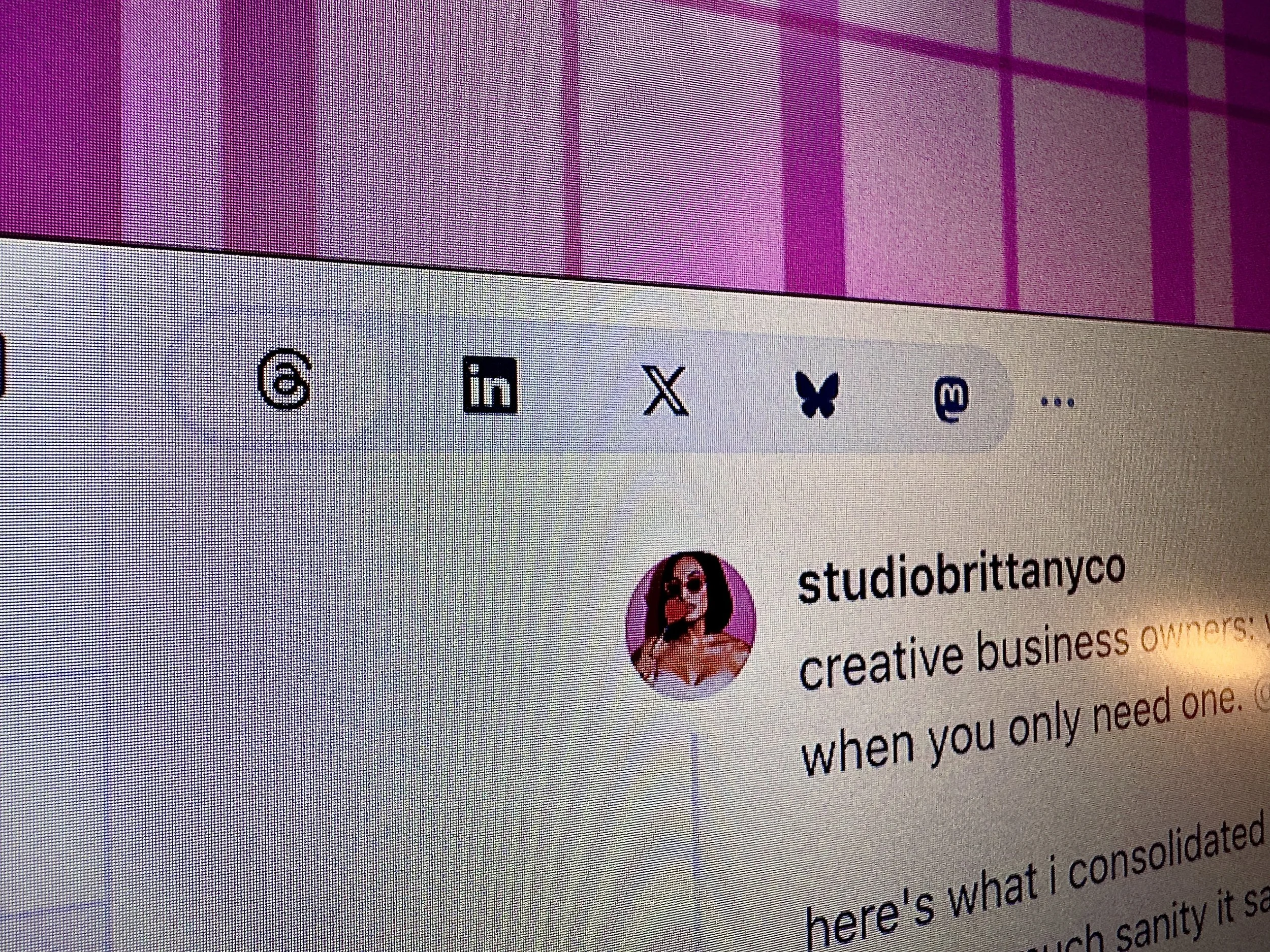
Typefully started as a Twitter-first writing and scheduling tool, but it's grown into a full multi-platform content hub for text-based social media. It supports Threads, X (Twitter), LinkedIn, Bluesky, and Mastodon, all from one clean dashboard.
Built for Text-First Creators
If your content strategy leans heavily on written posts (threads, carousels, text updates, thought leadership), Typefully was made for you. This isn't a tool trying to be everything for everyone. It doesn't handle Instagram Reels or TikTok videos, and it doesn't pretend to. It does text-based social content extremely well, and that focus is exactly why it works.
The Creator Profile
Typefully is ideal for solopreneurs, creators, and small teams who want a writing-first tool rather than a media-heavy scheduler. If you're building thought leadership on LinkedIn, growing a Threads audience, or maintaining presence across multiple text platforms without wanting to copy-paste the same post five times, this is your tool.
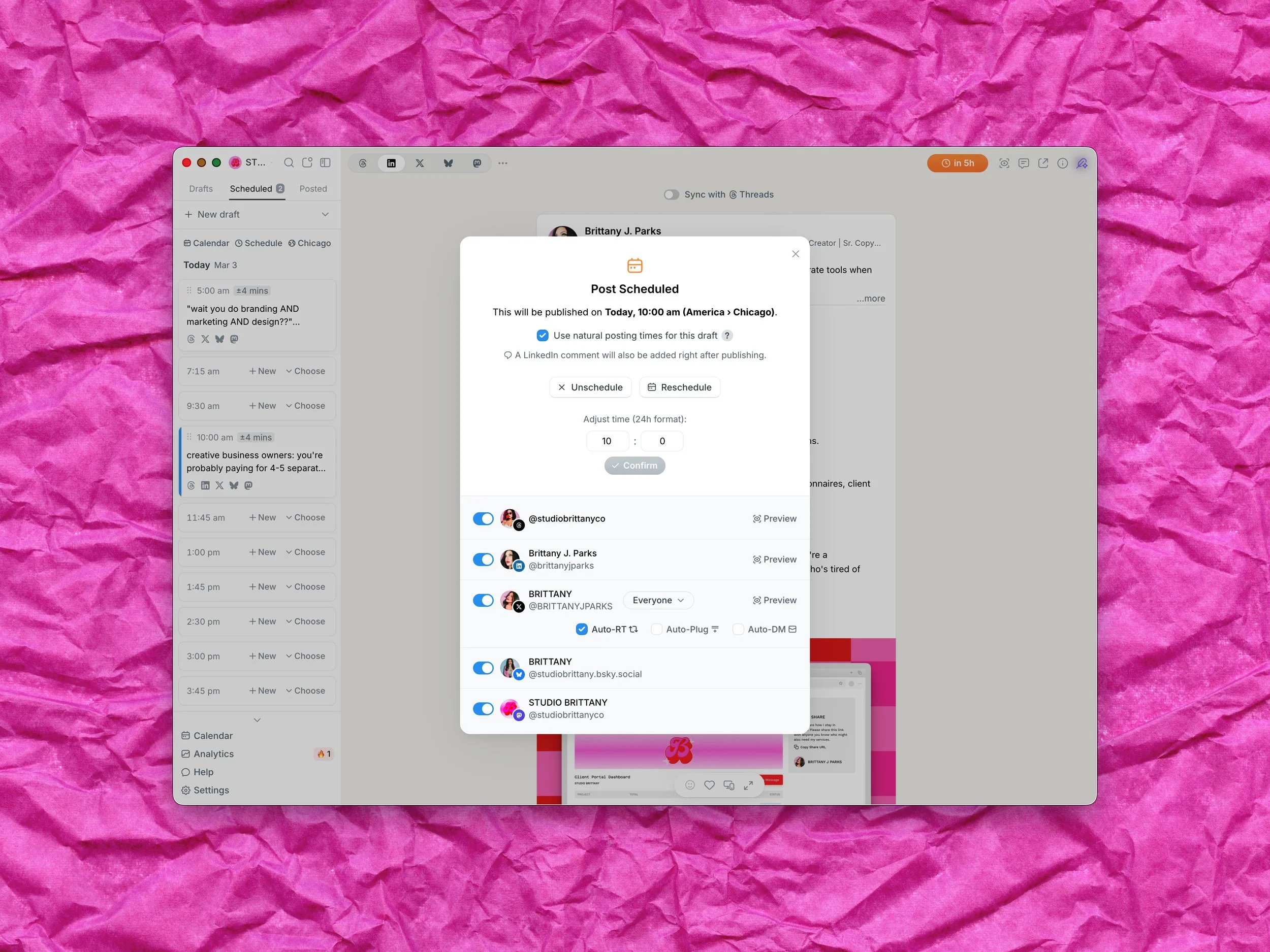
My Typefully dashboard, showing the clean editor interface with cross-posting options!
The Writing Assistant: AI That Actually Sounds Like You
This is the feature that made me sit up and pay attention. Typefully's Writing Assistant is powered by Claude (the same AI behind this very blog, ironically) and it does something most AI writing tools completely fail at: it learns your voice.
How the Voice Learning Works
The Writing Assistant analyzes your previous posts and adapts to match your specific tone, vocabulary, and style patterns. So when it suggests rewrites or helps you draft new content, it doesn't sound like Generic Marketing Bot #4,782. It sounds like you on a good writing day.
For someone who has very strong opinions about brand voice (hi, that's me), this was the dealbreaker feature. I don't want AI that writes at me. I want AI that writes like me, so I can edit from a strong starting point instead of rewriting from scratch.
What It Actually Does
The Writing Assistant can help you rewrite posts for clarity, continue a draft when you're stuck, generate post ideas based on your content history, and adapt content for different platforms. It's not trying to replace your brain. It's trying to unstick your brain when it's being difficult (which, if you're a creator with ADHD, is basically every Tuesday).
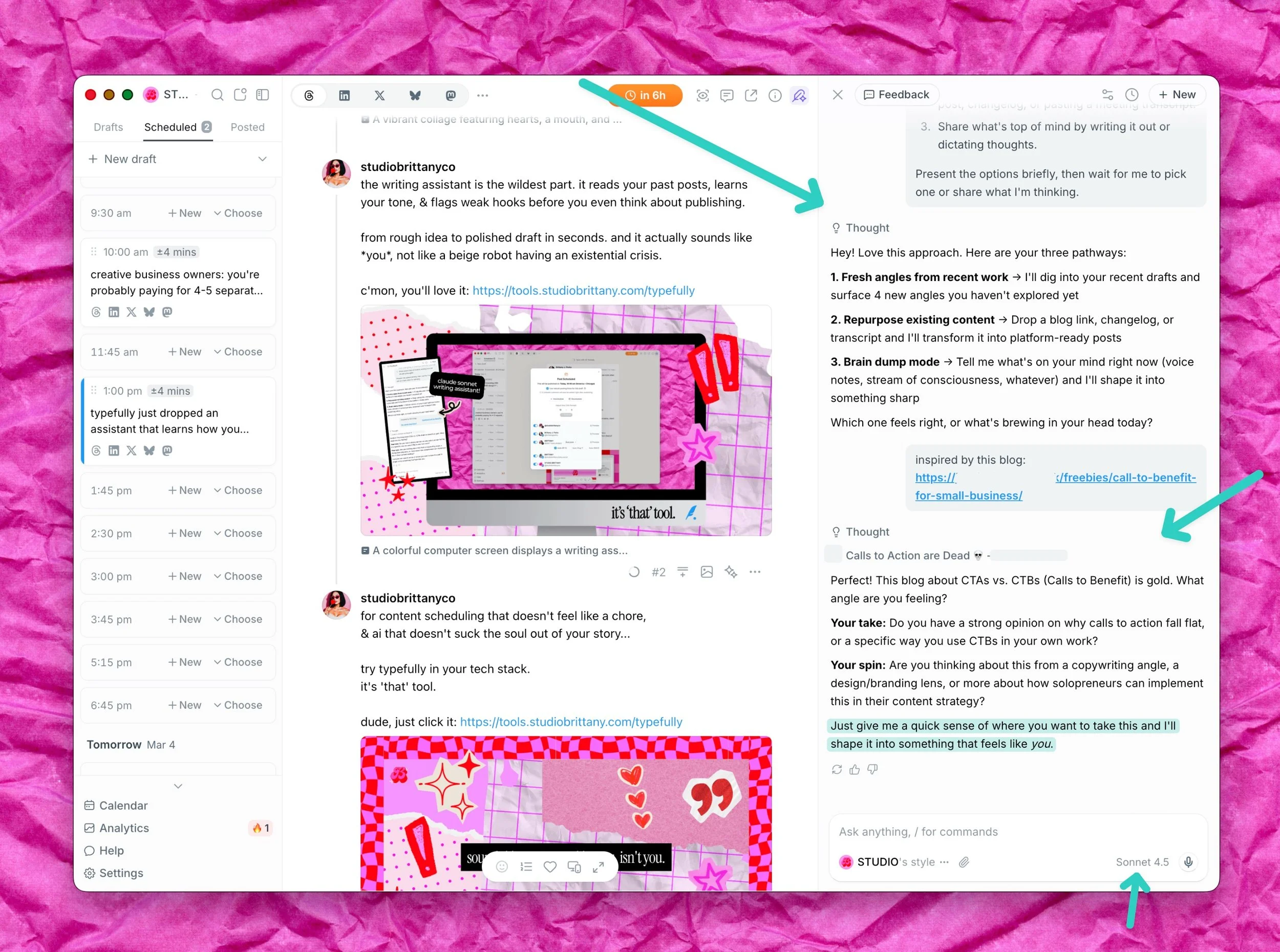
Typefully’s AI Writing Assistant
Powered by my best boy Claude, Typefully's AI doesn't just write for you. It learns how you write, then helps you do it better. But it can also just write for you!
Want to try the Writing Assistant yourself?
Start with Typefully's free plan and upgrade when you're ready.
Cross-Posting That Doesn't Make You Look Like a Bot
Most cross-posting tools blast the exact same text to every platform, which means your LinkedIn post reads like a tweet and your Threads post has hashtags nobody asked for. Typefully handles this smarter.
One Post, Multiple Platforms, Zero Cringe
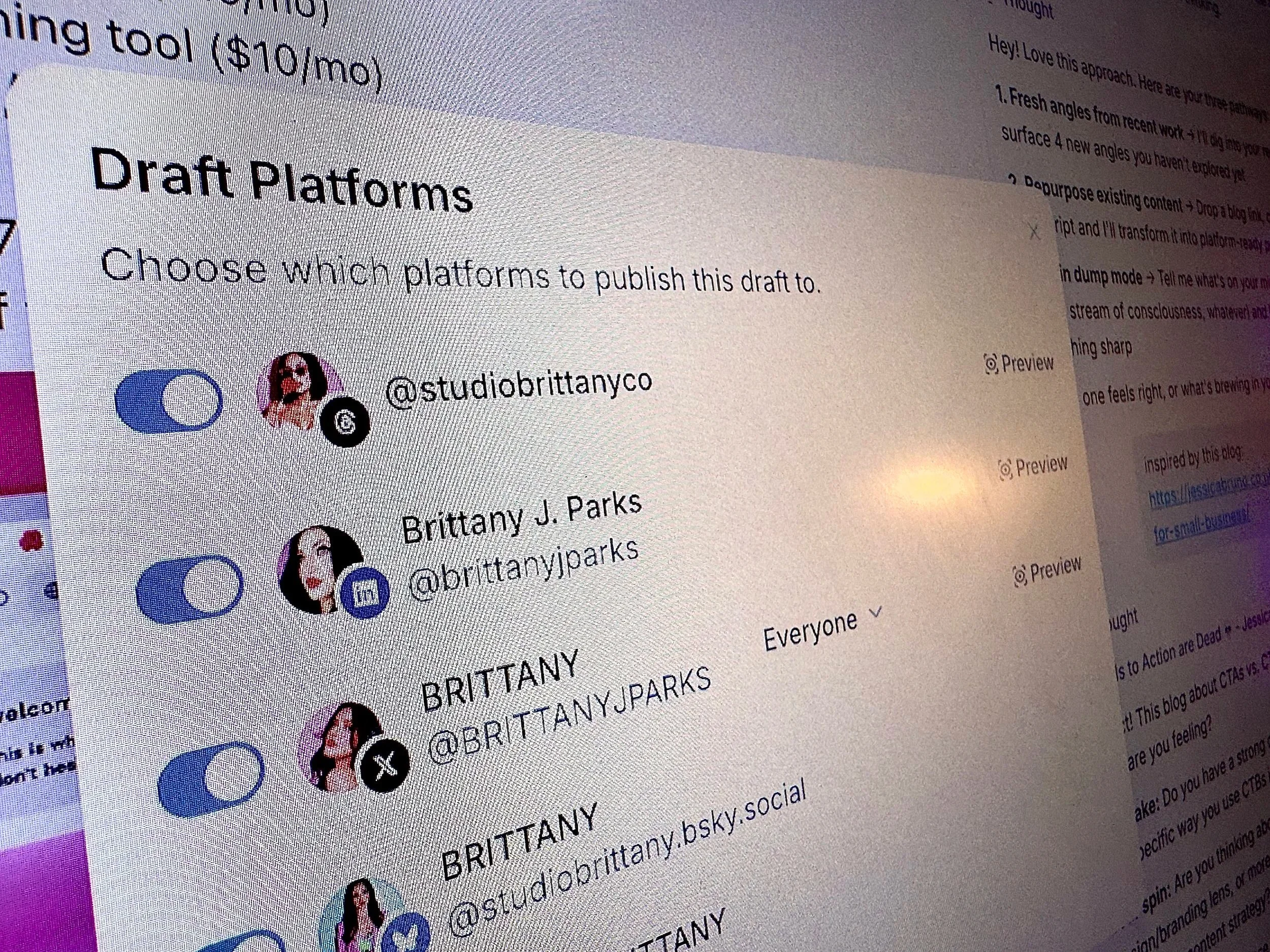
When you write a post in Typefully, you can toggle which platforms receive it: Threads, X, LinkedIn, Bluesky, Mastodon. But here's the part that matters: you can customize the content per platform before publishing. Same core message, adjusted for each audience.
Thread-to-Carousel Magic
One of the newer features I love is PDF carousel support. You can upload a PDF and Typefully converts it into a carousel post for platforms that support it. If you're already making carousel graphics in Canva (which I am, constantly), this saves a step that used to be annoying.
The Draft Activity Feature
Typefully tracks your writing consistency with Draft Activity, showing you when and how often you're creating. For accountability nerds (or anyone who needs a gentle nudge to actually write), it's a small feature that hits different when you see a streak building.
Features That Quietly Changed My Workflow
Beyond the headliners, Typefully has a handful of features that aren't flashy but save real time when you're batching content.
The Distraction-Free Editor
The writing editor strips away everything except your words. No sidebar notifications, no algorithmic suggestions about trending topics, no "optimize your engagement" pop-ups. Just a clean space to write. This sounds like nothing, but compared to writing directly in-app on Threads or X where every notification pulls your focus, it's genuinely valuable.
Scheduling + Auto-Repost
You can schedule posts for optimal times and set up auto-reposts for your best-performing content. The repost feature is smart about spacing so you're not spamming your audience. For evergreen content (like affiliate posts, hint hint), this is incredibly useful.
Analytics That Don't Overwhelm
Typefully's analytics are clean and focused: impressions, engagement, follower growth, and top-performing posts. It tells you what's working without burying you in 47 metrics you'll never look at. Sometimes less data is more actionable.
Typefully Pricing: Is It Worth It?
Let's talk money, because that's what actually matters when you're a creator watching every subscription.
The Tiers
Free: 1 account, basic scheduling, limited posts. Enough to try it out and see if you like the editor.
Creator ($8/month): 1 account, unlimited posts, Writing Assistant, analytics, auto-repost. This is the sweet spot for most solo creators.
Team ($19/month): 3 accounts, everything in Creator plus team collaboration.
Agency ($39/month): 6 accounts, priority support, advanced features.
My Honest Take on Value
The Creator plan at $8/month is genuinely one of the best values in the scheduling tool space. For comparison, most competitors charge $15-30/month for similar features and don't include an AI writing assistant, especially not one as smart as this. The free plan is limited but functional enough to test-drive the experience before committing!
The Creator plan at $8/month is where Typefully really shines.
Try it free first, upgrade when you're hooked.
What I'd Change About Typefully
No tool is perfect, and pretending otherwise would be dishonest. Here's what I'd improve.
Platform Limitations
Typefully doesn't support Instagram feed posts, Pinterest, or TikTok. If you need an all-in-one tool for every platform, this isn't it. I use Typefully alongside Buffer (for IG, TikTok and LinkedIn when needed) and Tailwind (for Pinterest). It's not a dealbreaker, but it means Typefully is one tool in a stack, not the only tool.
Learning Curve for the AI
The Writing Assistant gets better over time, but your first few sessions with it might feel generic. It needs a body of your previous content to learn from. If you're brand new to Typefully with no post history, the AI suggestions won't be as strong out of the gate. So keep this in mind before you say it’s the same as any other chat bot, it’s not! Let it learn from you, feed it content, watch it grow.
No Visual Content Creation
Typefully is text-first by design, which is its strength. But it means any graphics, carousels, or visual content still need to be created elsewhere (Photoshop, Illustrator and Canva, in my case) and uploaded. Not a flaw exactly, just a workflow consideration. Personally, I prefer having a different app for design, it’s okay that this one tool can’t do everything under the sun. It’s definitely not a jack of all trades, master of none. Typefully shines where Typefully sets out in the sun, and that’s perfectly fine with me.
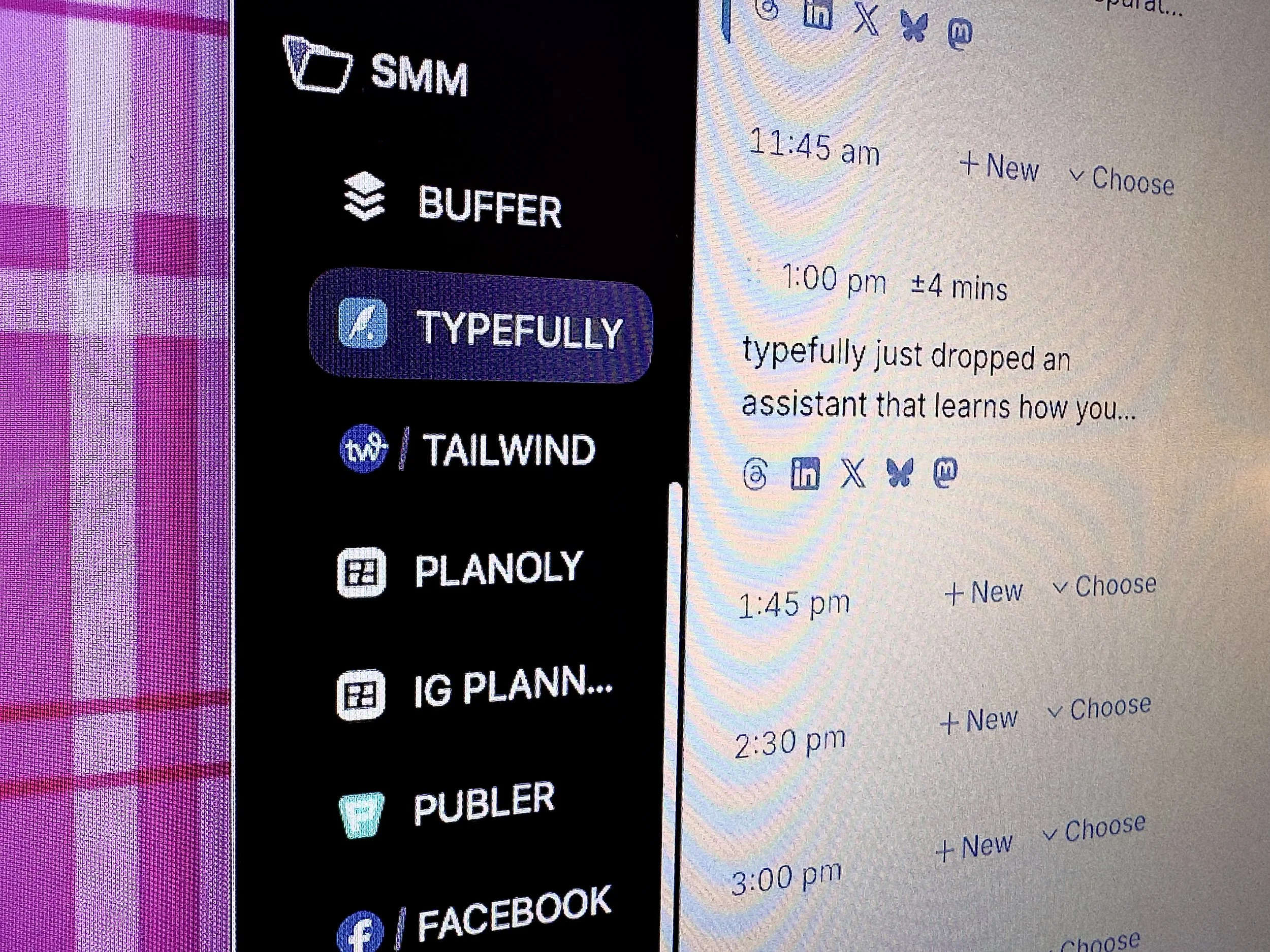
Side-by-side comparison of Typefully with other scheduling tools in my SMM tech stack!
How I Actually Use Typefully Every Week
Here's the workflow that keeps my content consistent without making me want to throw my laptop.
My Weekly Typefully Routine
Step 1: I batch-write posts for the week in Typefully's editor, usually on Friday, Saturday or Late Sunday. The distraction-free editor + AI Writing Assistant combo means I can knock out 5-7 posts in about an hour. Less than that if I’m making graphics for each!
Step 2: I toggle cross-posting for each post. Most of my Typefully content goes to Threads, X, LinkedIn, Bluesky and Mastodon simultaneously. I customize the LinkedIn version to be slightly more professional and to flow better (but still me).
Step 3: I schedule everything across the week, usually spacing posts for morning and early afternoon when my audience is most active, which Typefully gives me that data in the scheduler and in analytics.
Step 4: I check Draft Activity and analytics mid-week to see what's hitting and what flopped, then adjust the rest of the week if needed.
Step 5: For affiliate content (like this post!), I use the auto-repost feature to keep my best-performing recommendation posts in rotation without manually re-scheduling them every month.
The whole system takes maybe 2 hours per week, and it covers 4-5 platforms. That's the kind of efficiency that actually matters when you're running a business solo. Shout-out to all the solopreneurs building and posting the coolest stuff around the web.
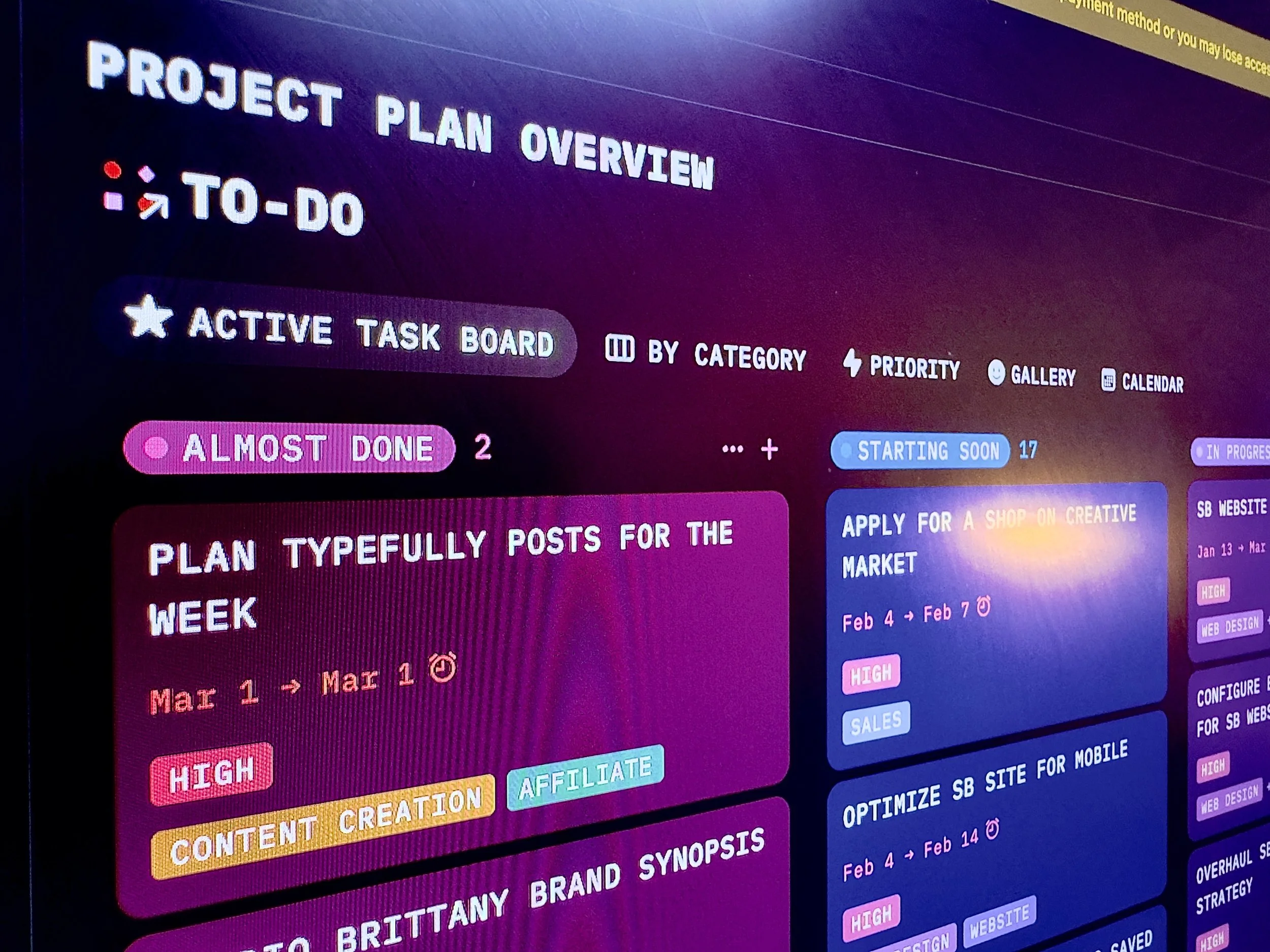
My weekly content workflow kanban showing Typefully plans scheduled in Notion.
The Bottom Line
Typefully isn't trying to be the Swiss Army knife of social media tools, and that's exactly why it works. It does text-based content creation and scheduling better than anything else I've used, the AI Writing Assistant is legitimately useful (not just a gimmick), and the cross-posting saves me hours every week.
If you're a creator who prioritizes written content across Threads, X, LinkedIn, or Bluesky, Typefully deserves a spot in your tech stack. Start with the free plan, mess around with the editor, and upgrade to Creator when you realize you're writing more than you have in months.
That's not marketing fluff. That's genuinely what happened to me.
Ready to try the tool that actually makes you want to write?
Start with Typefully, free!
Frequently Asked Questions
-
Typefully is one of the strongest text-based scheduling tools available right now, especially at the $8/month Creator tier.
The AI Writing Assistant alone justifies the price if you create content regularly across Threads, X, or LinkedIn. The free plan lets you test it before committing.
-
The Writing Assistant is powered by Claude and learns your writing voice by analyzing your previous posts.
It can rewrite drafts, suggest improvements, continue unfinished thoughts, and generate new post ideas that actually match your tone instead of sounding like generic AI output.
-
No. Typefully focuses exclusively on text-based platforms: Threads, X (Twitter), LinkedIn, Bluesky, and Mastodon.
For Instagram and Pinterest, you'll need separate tools like Buffer, Planoly, Publer or Tailwind, (my best and favorite recommendations).
This focused approach is what makes Typefully's text editing experience so good.
-
Typefully is writing-first with a distraction-free editor and AI voice matching, while Buffer and Hootsuite are broader social media management platforms.
Typefully excels at text content creation and scheduling, whereas traditional tools prioritize media management across more platforms with less focus on the writing experience.
-
Yes. You can write one post and publish it to Threads, X, LinkedIn, Bluesky, and Mastodon simultaneously.
You can also customize content per platform before posting, so your LinkedIn version sounds professional while your Threads version stays casual.
-
Typefully offers four plans: Free (1 account, basic features), Creator at $8/month (unlimited posts, AI Writing Assistant, analytics), Team at $19/month (3 accounts, collaboration), and Agency at $39/month (6 accounts, priority support).
The Creator plan is the best value for solo creators.
-
Absolutely. The Draft Activity feature tracks your writing habits, auto-repost keeps your best content in rotation, and the scheduling system lets you batch content in advance.
Combined with the Writing Assistant reducing blank-page paralysis, it's built for consistency.
-
The free plan gives you 1 connected account and basic scheduling with limited posts per month.
It's functional enough to experience the editor and decide if the workflow fits you, but you'll want the Creator plan for unlimited posts, the AI Writing Assistant, and analytics.